
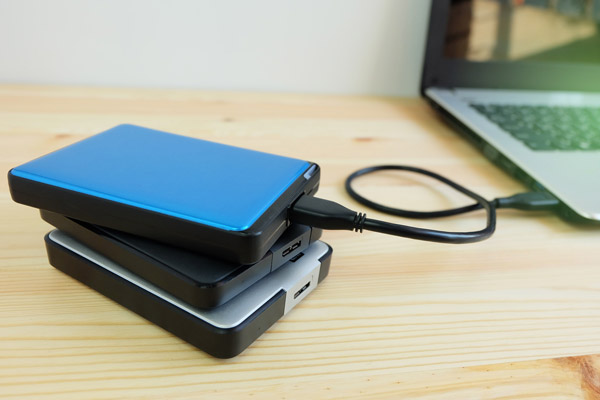
Local storage devices are a crucial component of storing your personal files such as photos and home movies. It is important to understand the various features, advantages, and shortcomings of the different types of local storage devices.
- Hard Disk Drives (HDD):
A HDD stores digital information on spinning disk platters coated with magnetic material. The rotating speed of these disks usually ranges from 5400 to 15000 rotations per minute. Advantages of HDDs include their ability to store vast amounts of data at a relatively low cost. They also support nearly every operating system. However, they are relatively slow compared to other storage options and may have shortened life spans because mechanical parts can wear out over time. - Solid State Drives (SSD):
In contrast to HDDs, SSDs use flash-memory technology with no moving parts, thus providing faster access to data. The key advantage of SSDs over HDDs lies in their speed: not only do SSDs offer fast startup speeds but they also show impressive processing times for all tasks afterwards. Additionally, because SSDs lack moving components, they are more resistant to physical shock and consume less power. However, currently, SSDs are more expensive per gigabyte than HDDs and have limited write cycle lifespan. - Flash Memory Devices:
Flash memory devices like USB drives or memory cards are compact storage media that retain information even without power supply. These devices offer key benefits as being portable, lightweight yet capable storage solutions that allow easy transfer of files from one device to another. But there’s a downside: their smaller physical size limits their maximum possible storage space in comparison to larger options such as SSDs or HDDs. Also, similar to SSDs, they have restricted write cycle lifespan. - Optical Storage Devices:
Optical devices like CD-ROMS, DVDs and Bluray disks store data on their surface and use laser technology to read and write information. The biggest advantage of optical storage is longevity. If stored properly, the content of these disks may remain undamaged and readable for up to 200 years. They’re also inexpensive compared to other forms of storage. Though, they have relatively low storage capacity compared to SSDs or HDDs and require specific devices (disk drives) for reading and writing data.
Each local storage type has its set of advantages and drawbacks that make them suitable for different uses. HDDs provide extensive storage at a budget-friendly price but fall short in speed compared to SSDs, which are faster but more costly. Flash memory devices are compact and convenient though limited in overall capacity. Lastly, while not used as often in present times, optical storage devices still serve as long-lasting options with smaller capacity requirements.